
How to Withdraw Money from Boom79
Boom79 withdrawals are the part that matters most — and the part most gaming apps quietly get wrong. Delays, mystery holds, support that doesn’t reply. If you’ve been burned by another platform before, the anxiety around “will this actually arrive” is real.
Here’s exactly how withdrawals work on Boom79, what can hold things up, and what to do when they do.
Before You Request Anything in Boom79 Withdrawal
Two things will block a withdrawal before you even submit it. Worth checking these first so you’re not waiting 24 hours only to find out there was a fixable issue from the start.
KYC. Boom79 won’t release money until your account is verified. If you haven’t done this yet, go to account settings now and complete it. First withdrawals almost always get held here — not because the platform is being difficult, but because verification is mandatory before any payout.
Linked payment method. You need a UPI ID, Paytm wallet, or bank account connected to your profile. If nothing is linked, the withdrawal screen will prompt you to add one. Do it before you’re mid-request.
Also confirm your balance is above the minimum withdrawal amount. The current figure is in the app — check there, not on third-party sites, since it changes.
How to Withdraw — Step by Step
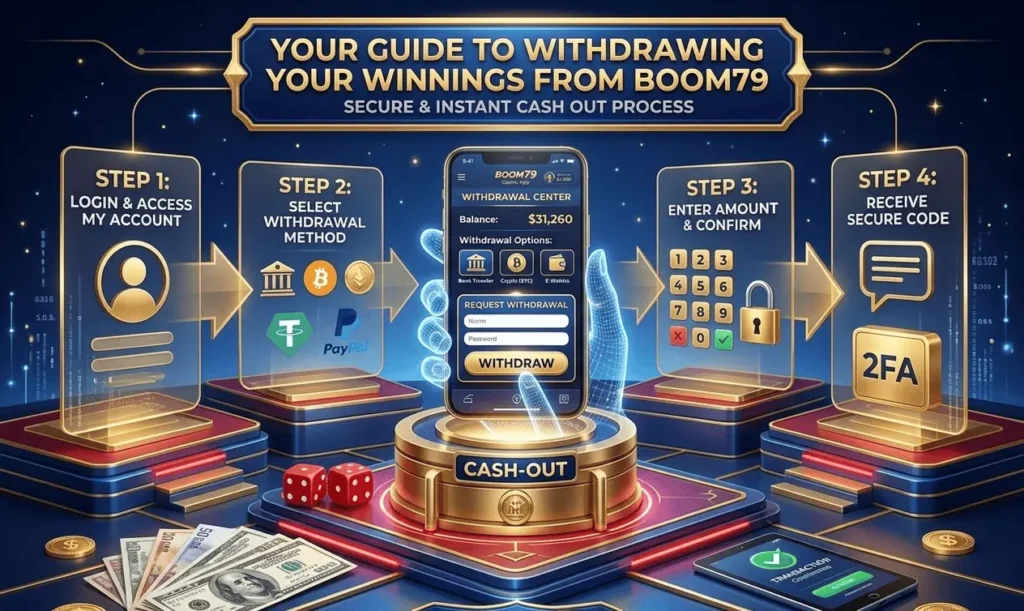
Open the Boom79 app and tap the Wallet icon in the top right. Your cash balance shows here. Note that bonus credits usually aren’t withdrawable — only real balance from games counts.
Tap Withdraw, enter the amount, and pick your payment method. UPI is fastest. Bank transfer works too but takes a bit longer.
Tap Confirm. You’ll likely need your PIN or an OTP to complete it. Once confirmed, you get a notification and the request is in the queue.
That’s the whole process on a normal day. Under two minutes if everything is already set up.
How Long Does It Take?
UPI transfers often land within a few hours. Bank transfers sit closer to 24 hours, sometimes a little over on weekends or public holidays.
Your first withdrawal takes the longest — that’s when most of the checks happen. After that clears, the ones that follow move faster. If you’re on your third or fourth withdrawal and it’s suddenly slower than usual, something’s worth checking.
Withdrawal Limits
| Minimum | ₹100 — confirm current amount in-app |
| Per transaction max | Depends on account level |
| Daily limit | Check in-app settings |
These aren’t fixed forever. The app is the only reliable source for current numbers.
When Your Withdrawal Gets Stuck
Hasn’t arrived after 24 hours? Before contacting support, check these two things yourself — they resolve most cases faster than waiting for a reply.
KYC first. Go to account settings and see if anything is flagged pending or rejected. Even if you completed it before, occasionally a document gets rejected without a clear notification.
Payment details second. A wrong digit in your UPI ID or bank account number will silently fail the transfer. Open your linked payment methods and confirm everything is exactly right.
If both are fine and the money still hasn’t arrived, contact support through in-app chat. Have your transaction ID ready when you message — without it you’re waiting for them to look it up, which adds time. With it, they can check the status immediately. More about X89
FAQ
What payment methods work for withdrawals? UPI, Paytm, and bank transfer. UPI is the fastest for most people.
Any withdrawal fees? No fees currently. That said, check the app for the latest terms — things do change.
Can I withdraw without KYC? No. Verification is required before any withdrawal goes out.
My withdrawal failed — where does the money go? Back to your Boom79 wallet balance. If it doesn’t appear within 24 hours, message support with the transaction ID.
Does my UPI ID need to be in my name? Yes — it needs to be registered to you and linked to your own verified bank account.
